Free Trial
Free for 24 hours
0VND
No payment required
24 hours from activation
- 2 video at once
- Seedance 2.5
- Seedance 2.0
- Seedance 1.0
- Full video creation tools
- Preview the prompt library
- No payment required
Create AI videos in bulk on your computer. Run jobs in parallel, export in 1080p and explore over 8,600 prompts. Parallel runs and watermark-free downloads depend on your plan.
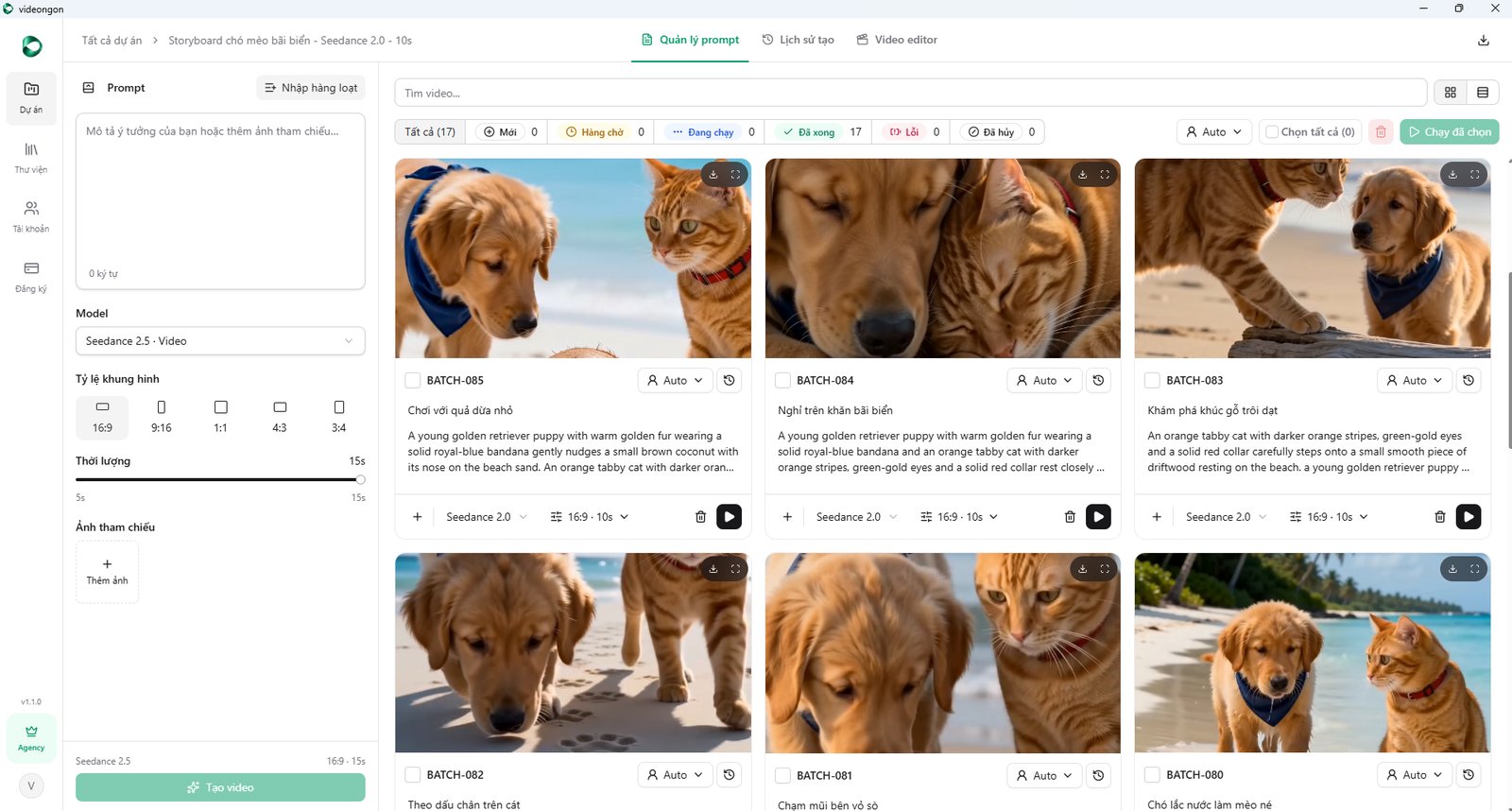
For multi-channel creators, unlimited videos



Fast and lightweight, built for batches of short clips, regular posts and advertising.



Longer videos and smoother motion for stories, product reviews and AI short films.
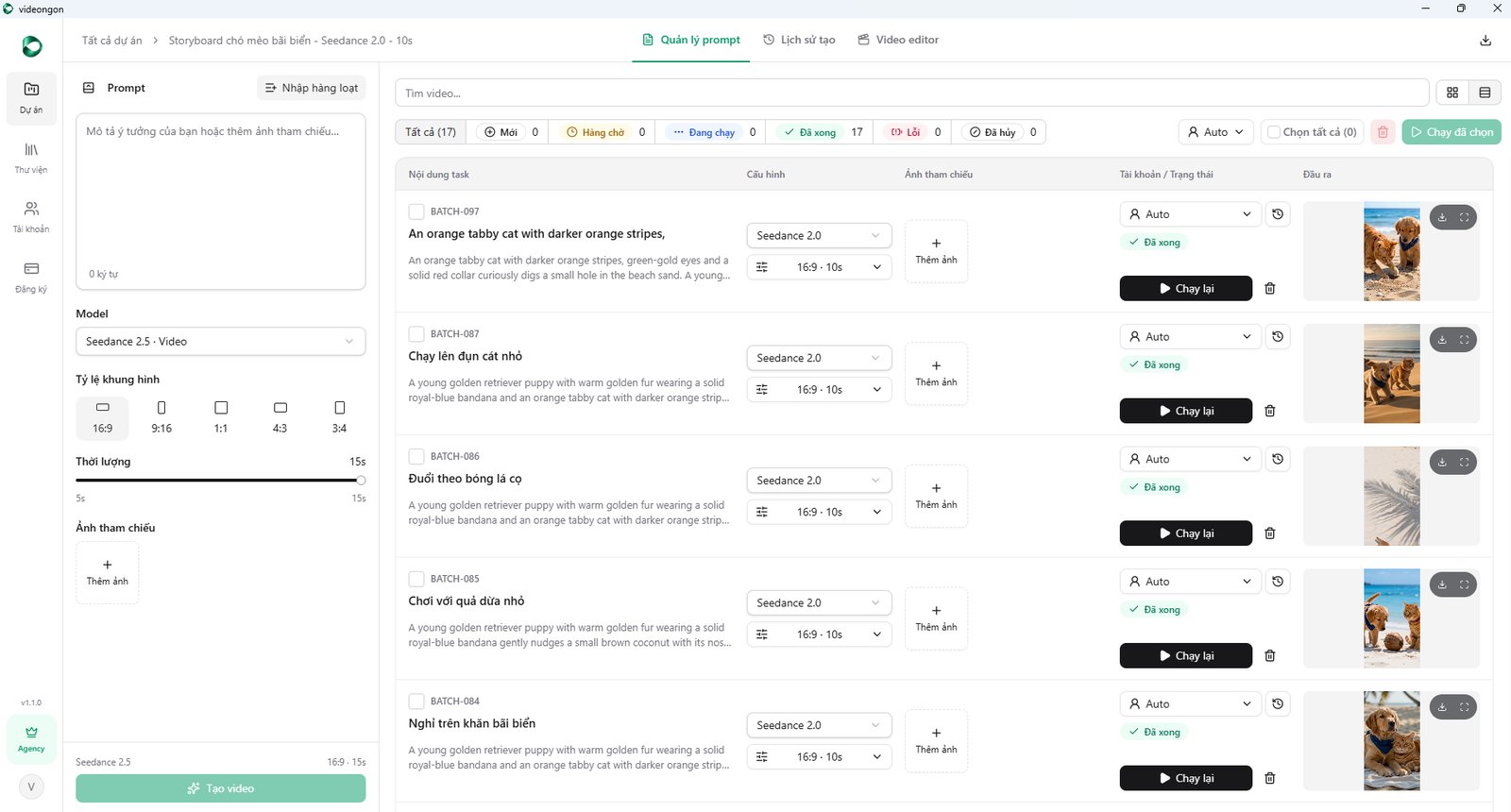
Queue your entire script and let the app distribute jobs across accounts. It rotates accounts when quotas run out and retries temporary errors.
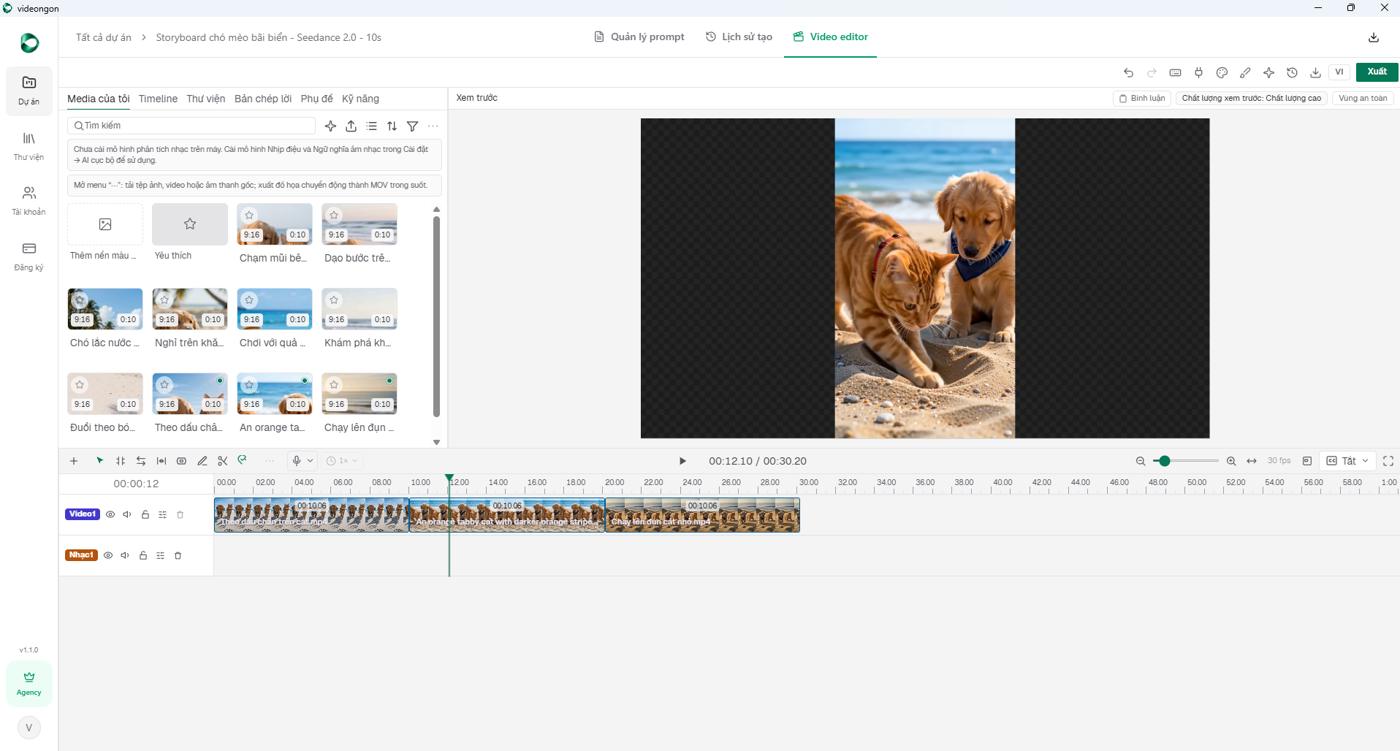
Project videos are already in your library. Drag them onto the timeline, add music and captions, then export.
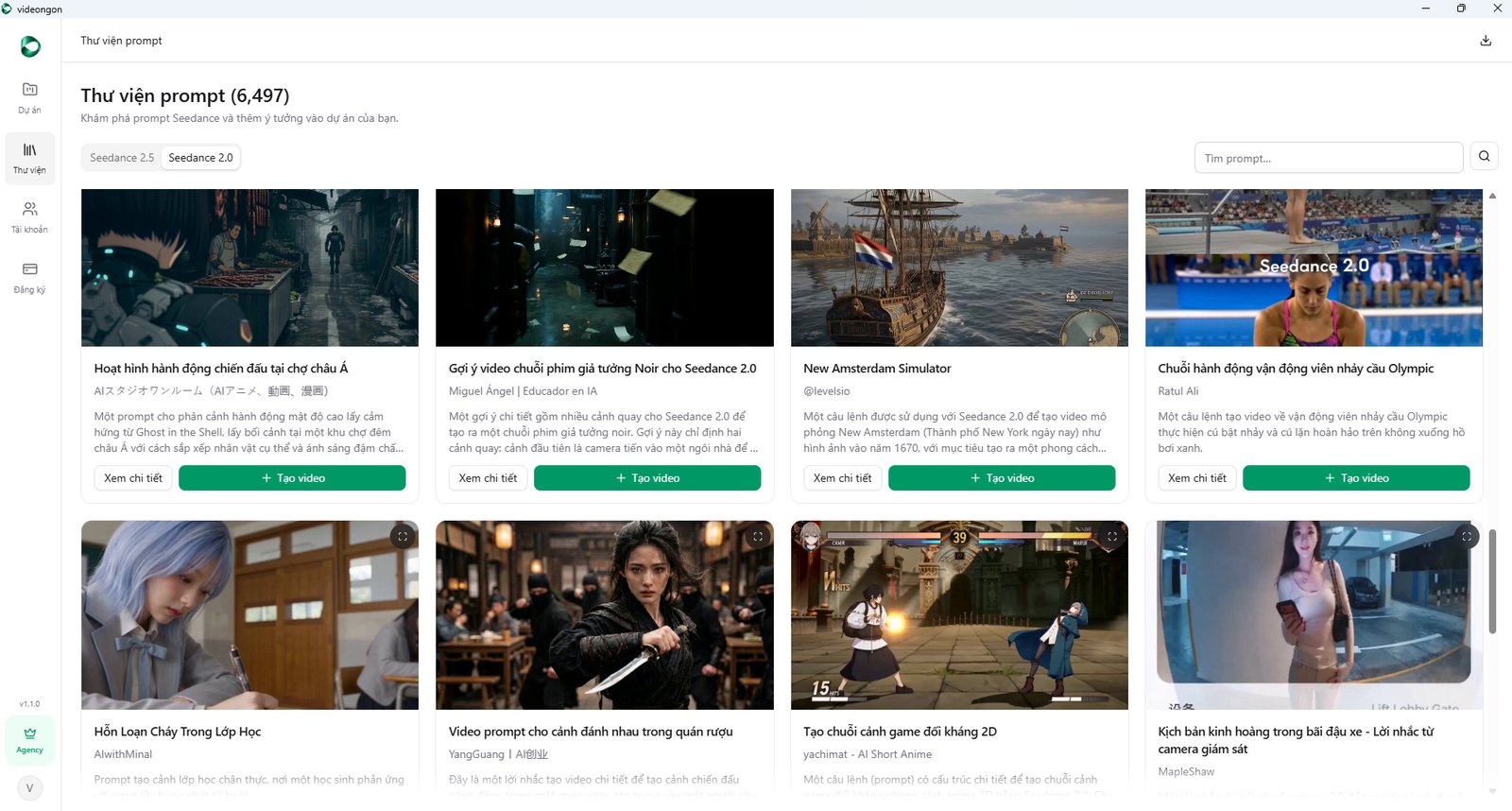
Explore curated Seedance prompts with Vietnamese titles, descriptions and video previews. Choose Create video to add a prompt straight to your project.
Ask ChatGPT or Claude. Your assistant writes the script, splits it into scenes and sends each prompt straight to VideoNgon over MCP. No copying line by line.
Sunrise on the beach
Bright sunlight on skin
Close-up of the tube
Apply cream to a hand
Lightweight texture
Running in the sunshine
Dry, non-greasy finish
Absorbs in 3 seconds
A midday city walk
Before and after a week
Customer review
Logo and call to action
Get your connection linkOpen VideoNgon → Settings → AI Integrations.
Add to ChatGPT or ClaudePaste the link into your assistant's MCP connections. You only need to do this once.
Give instructions in chatKeep VideoNgon open on your computer. Videos run automatically and progress appears in the app.
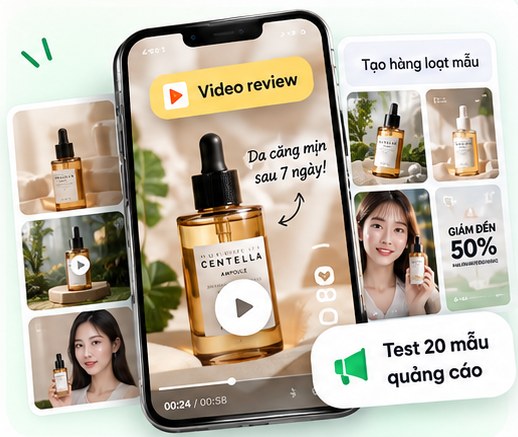
Product introductions and reviews for TikTok Shop, Shopee and Facebook. Create batches of variations to test your ads.
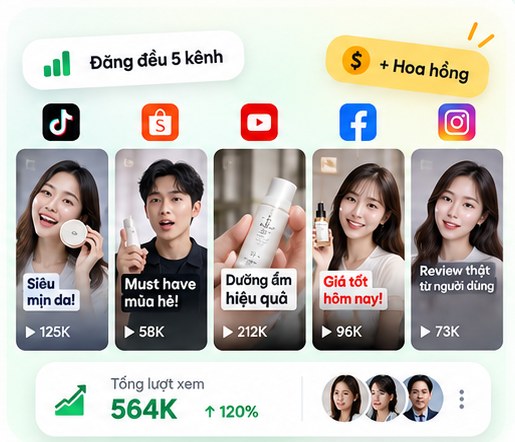
Produce videos in bulk for TikTok and Shopee Affiliate. Keep multiple channels active without filming every clip.
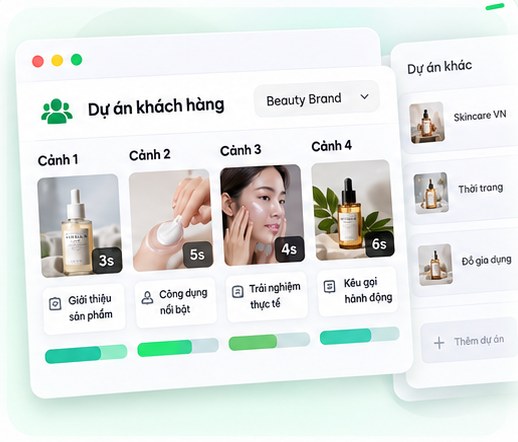
Create AI short films, storyboards and client videos. Work on multiple projects from one computer.
Credit-based platforms charge more as you create more. VideoNgon has a fixed monthly software price.
Comparison figures are illustrations from the October 2026 demo, not current quotes: Higgsfield VND 134,160/video and Kling AI VND 28,860/video. VideoNgon uses a currently offered monthly plan price, excluding Dola account costs. Generation quotas depend on the account and provider.
One account for web and desktop. Prices and parallel task limits below come directly from the available plans.
Free for 24 hours
No payment required
24 hours from activation
Enough for one small channel
Pay 690,000 VND / 1 month
For multi-channel creators, unlimited videos
Pay 990,000 VND / 1 month
No plans are available for this billing cycle.
Processing speed depends on available resources and the provider.
Create an account, download VideoNgon and sign in. Your account shows your trial access and video generation benefits.
Videos are generated through Dola accounts added to the app. Each plan lists its gifted accounts and parallel run limit.
Each account has daily Fast and weekly Pro quotas under Dola's current policy. The app shows remaining runs and reset times, then switches to an account with available quota.
With an active subscription, you can download watermark-free videos when that version is available. Without a subscription, downloads have a watermark by default.
See currently available installers on the Download page.
Plans differ in parallel runs, gifted accounts and benefits. Check the pricing cards for current prices and settings; the confirmation screen shows the amount you pay.
Choose a plan, confirm your order and transfer payment using the QR code. Your plan activates once the transaction is confirmed.
No. Choose a plan and renew when you need it.
Check the terms and contact support for help under the current policy.
Review the terms and payment policy before buying. Check trial availability in your account.
Install the app, add accounts and click Create. Try it today.